How wide should a desk be? 48 in, or 60 for two
The Wooden Stars is a participant in the Amazon Services LLC Associates Program. We may earn a commission when you buy through links on our site, at no extra cost to you.
How wide should a desk be? 48 inches for one person and a single screen, 60 if you want two monitors or a second person beside you.
Width is the dimension people over-buy. It is also the one that decides whether the desk fits through the door.
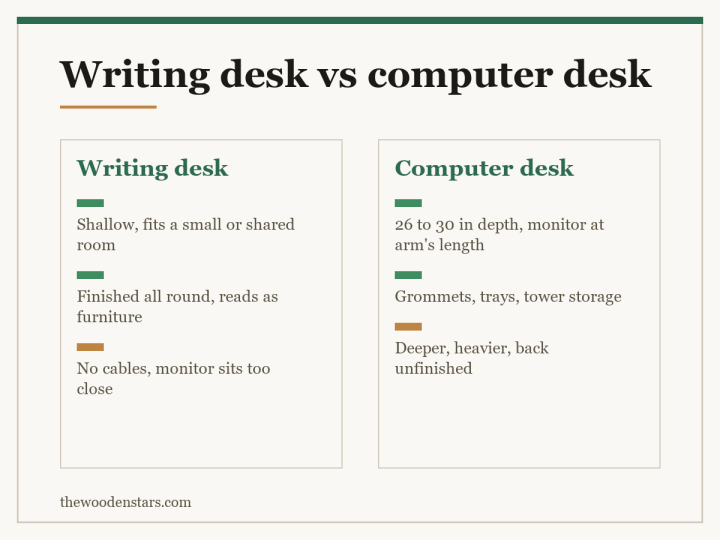
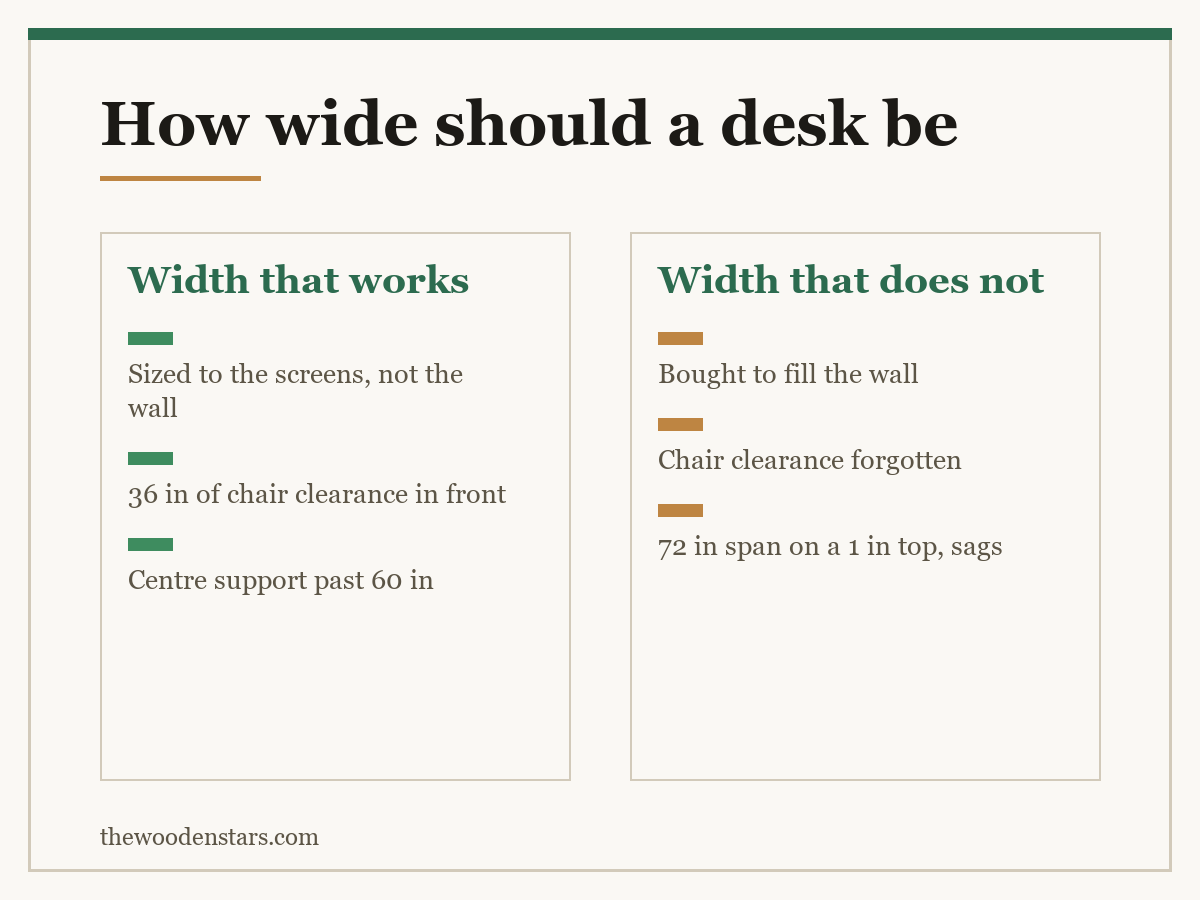
Working widths: 36 to 40 inches for a laptop-only desk in a small room, 48 as the sensible default for one person, 60 for dual monitors or a laptop plus documents, 72 for two people side by side or a serious multi-screen setup. Narrower than 36 and there is nowhere to put anything beside the keyboard. Wider than 72 and the far end becomes storage you never reach. Check three things before ordering: the wall length minus 36 inches of chair clearance, the doorway, and whether the top is supported in the middle past 60 inches.
How wide should a desk be for each setup
- Laptop only: 36 to 40 inches. Enough for the laptop, a notebook and a mug without stacking.
- One monitor and a keyboard: 48. The default, and the width most desks are built at for a reason.
- Two monitors, or one ultrawide: 60. Two 24-inch screens are about 42 inches of bezel and need margin either side.
- Two people side by side: 72 minimum, and 80 is comfortable — each person wants 30 to 36 inches of their own.
- Drawing, model-making, paperwork spread out: 60 to 72.
The common mistake is buying 72 inches “for the space” with a single laptop on it. The far 24 inches silently becomes a shelf, and the desk takes a wall it did not need.
| Setup | Width | Depth | Note |
|---|---|---|---|
| Laptop only | 36 to 40 in | 24 in | Fits most alcoves |
| One monitor | 48 in | 26 to 30 in | The sensible default |
| Dual monitor | 60 in | 30 in | Needs a monitor arm |
| Two people | 72 to 80 in | 30 in | 30 to 36 in each |
| L-shaped, per leg | 60 x 48 in | 24 to 30 in | Corner is dead space |
The wall has to give more than the desk
Three numbers, and only the first is the desk.
- The desk width itself.
- Chair clearance: 36 inches behind the desk edge for the chair to pull out and for you to get in and out. Forty-two if someone has to walk past you.
- Side clearance: a few inches at each end so the desk is not jammed wall-to-wall, unless you want it built in.
So a 60-inch desk in a room needs a 60-inch wall and 36 inches of floor in front of it. That second figure is what makes small rooms take a 40-inch desk rather than the 60 they look like they could hold — the full version is in how much space behind a desk.
Where the wall genuinely will not give it, the two honest moves are a corner layout, which buys length on two walls, and a secretary desk, which closes — L shaped desk against rectangular, corner desk for small spaces and secretary desk for small spaces.
What happens structurally past 60 inches
A desktop is a beam. Supported only at the ends, it sags in the middle under load, and the sag grows with the cube of the span.
Practical thresholds for a solid timber top:
Up to 48 inches: a 1-inch top on end supports is fine.
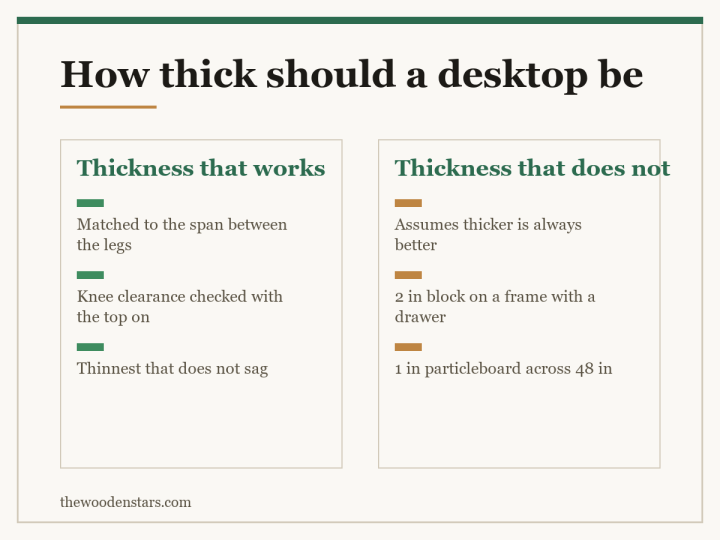
48 to 60: you want 1.25 to 1.5 inches of thickness, or a stretcher between the legs.
Past 60: a centre support — a third leg, a pedestal, or a steel frame rail. Without one, a 72-inch top with two monitors on it will visibly dip within a couple of years.
Particleboard and MDF sag sooner and do not recover. The material distinction matters more here than almost anywhere else in furniture — engineered wood against hardwood, and thickness in how thick a desktop should be.
Getting it into the room
The last check, and the one that produces the most returns.
Measure the doorway, the turn at the top of the stairs, and any landing. A 60-inch top has to pivot through a 32-inch door, which usually works on the diagonal but not always — and a 72-inch top frequently does not.
Check whether the top detaches. Most flat-pack desks ship in pieces and assemble in the room, which makes width a non-issue. A solid one-piece timber top does not, and that is exactly the desk worth buying otherwise.
Weigh it. A 60-inch solid hardwood top is 50 to 80 lb on its own. That is a two-person carry, and it is worth knowing before delivery day rather than after — load capacity once it is in place is in how much weight a desk can hold.
If the top is coming separately from the legs, mounting a butcher block desktop covers the fixing, and wooden desk legs the base.
One number that decides more than width does: the keyboard and mouse zone. Most people need 26 to 30 inches of clear width directly in front of them for a full keyboard plus mouse travel. On a 36-inch desk that is almost the whole surface, which is why a 36-inch desk feels cramped even with a laptop. On 48 inches you keep a genuine 18-inch margin for a notebook or a mug, and that margin is what people are actually buying when they upgrade from 40 to 48.
Before you order
- Tape measure Wall length, then subtract 36 inches of chair clearance
- Monitor arm Reclaims 8 to 12 inches of usable width from a stand
- Desk cable tray What makes the back of a wide desk stay usable
- Furniture levellers A wide desk on an uneven floor rocks at the far end
What to buy

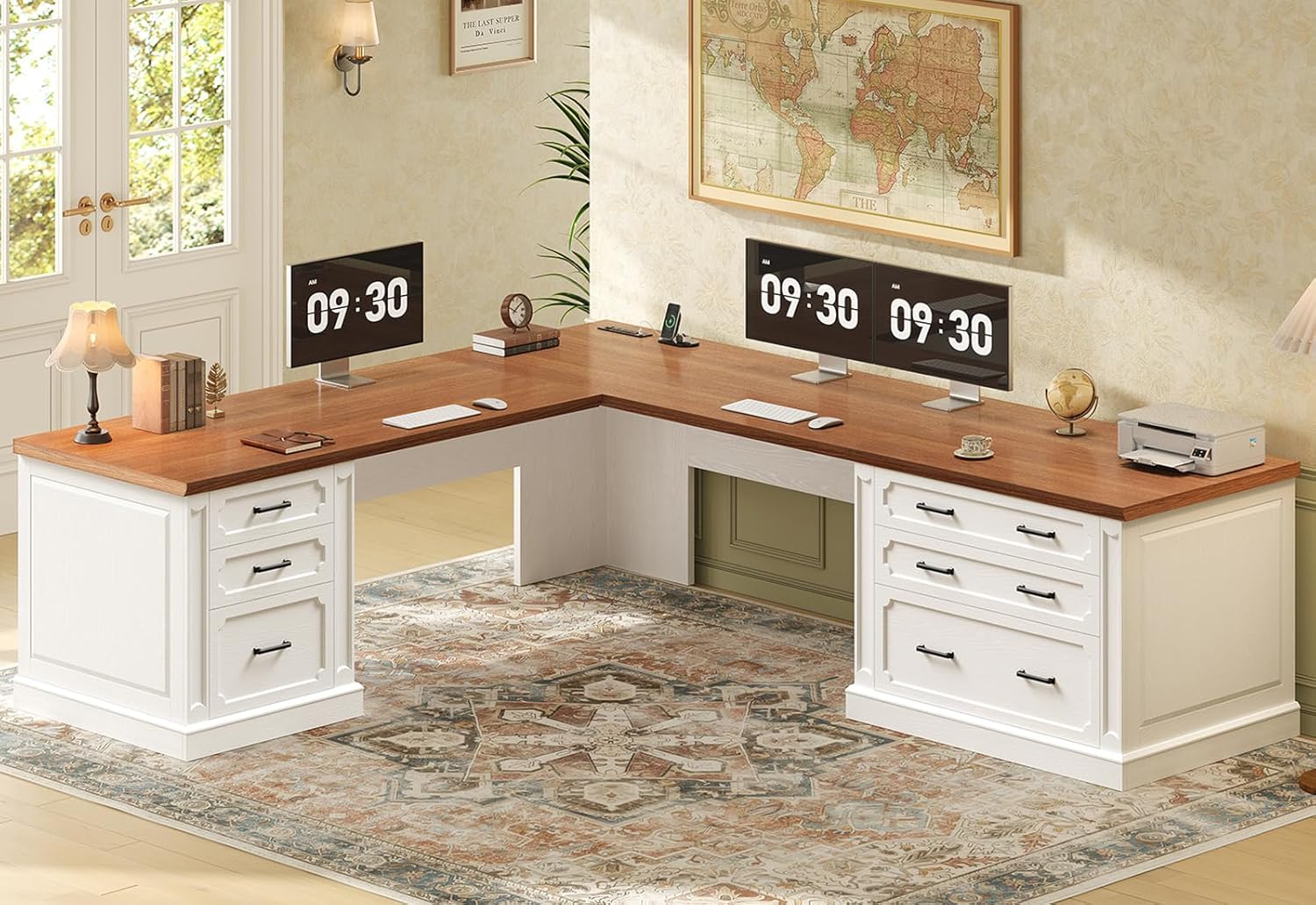


For the other dimensions, see how tall a desk should be and how deep a desk should be. For layout, L shaped against rectangular and how much space behind a desk.
Questions we get asked
How wide should a desk be?
Forty-eight inches for one person and one screen, 60 for dual monitors, 72 or more for two people.
Is 48 inches enough?
Yes for a monitor, keyboard and a notebook beside it. It is the default width for a reason.
How much width does a second monitor need?
Two 24-inch screens are about 42 inches of bezel, so 60 inches of desk gives you usable margin either side.
Can a desk be too wide?
Past about 72 inches the far end stops being reachable and becomes storage, while still costing you wall.
How much room in front of the desk?
Thirty-six inches for the chair, or 42 if someone has to walk behind you.
Does a wide top need extra support?
Past 60 inches, yes — a third leg, a pedestal or a frame rail. Sag grows with the cube of the span.