Desks with a hutch and drawers — Monitor height is the catch
The Wooden Stars is a participant in the Amazon Services LLC Associates Program. We may earn a commission when you buy through links on our site, at no extra cost to you.
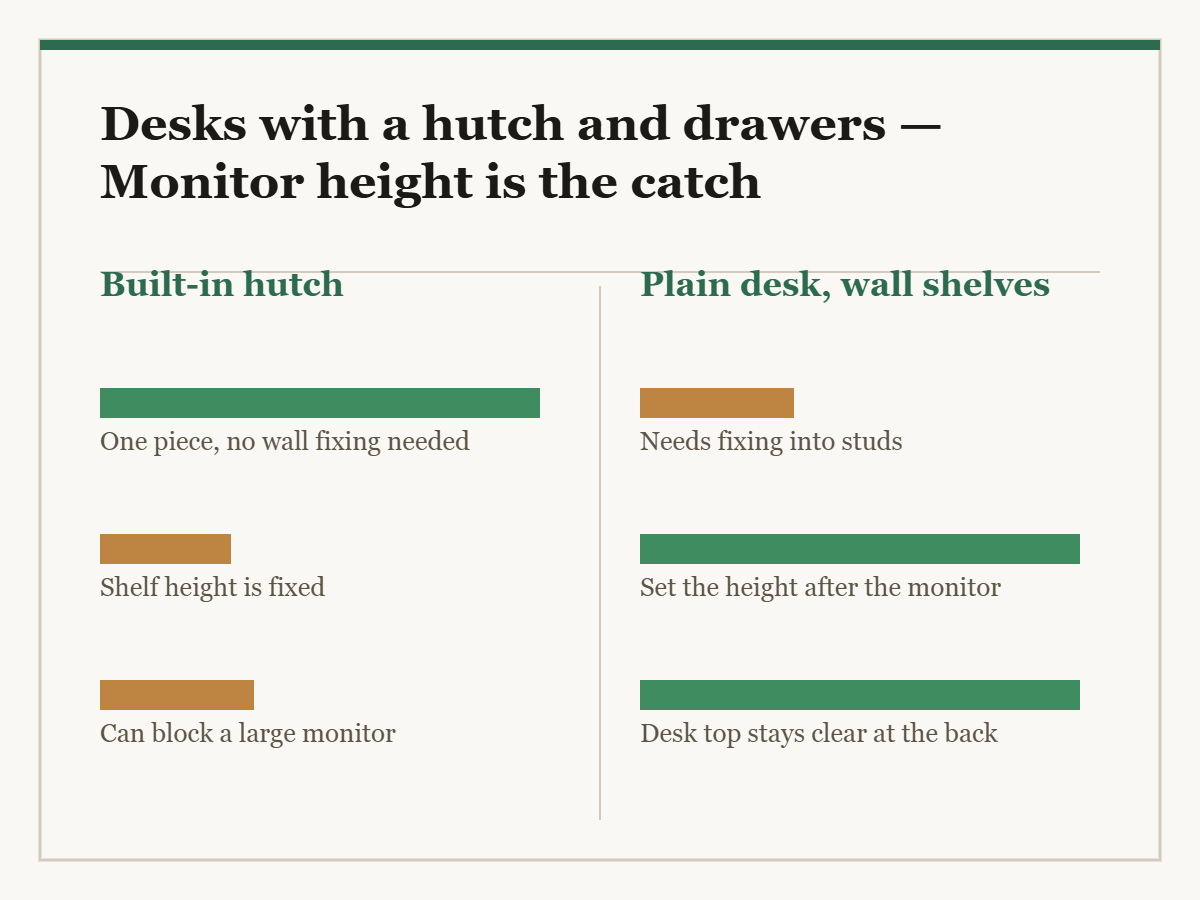
A desk with a hutch gives you shelving in the same footprint as the desk, which in a small room is the only way to get shelving at all. It also puts a wall of shelves directly behind your monitor, and that is where these go wrong.
The hutch is usually designed around a desk with nothing on it. Add a 27-inch monitor on a stand and the bottom shelf is in the way.
A desk with a hutch stands 55 to 72 inches tall overall. The number that decides whether it works is the clear height under the first shelf — typically 14 to 22 inches above the desk top. A 24-inch monitor on its own stand needs about 18 inches; a 27-inch needs 20 to 22; a monitor arm needs the clamp depth free at the back edge as well. Hutch shelves are 8 to 11 inches deep, so they take paperbacks and files on end, not much else. Also check the desk depth is at least 24 inches, because a hutch eats into it, and whether the hutch bolts to the desk.
The monitor clearance problem
This is the specification to find before anything else, and it is rarely stated directly. You can usually derive it: overall height, minus desk height, minus the hutch structure above the first shelf.
What you need on the other side:
- A 24-inch monitor on its bundled stand: about 18 inches to the top.
- A 27-inch monitor on its bundled stand: 20 to 22 inches.
- A laptop on a riser: 12 to 14 inches.
- A monitor arm: the clamp needs the rear edge of the desk free, which a hutch that sits flush to the back does not allow. Check for a gap or a cut-out.
If the clear height is 16 inches and you own a 27-inch monitor, the desk does not fit your setup, and no arrangement of the shelves changes that.
Desk depth, which the hutch eats
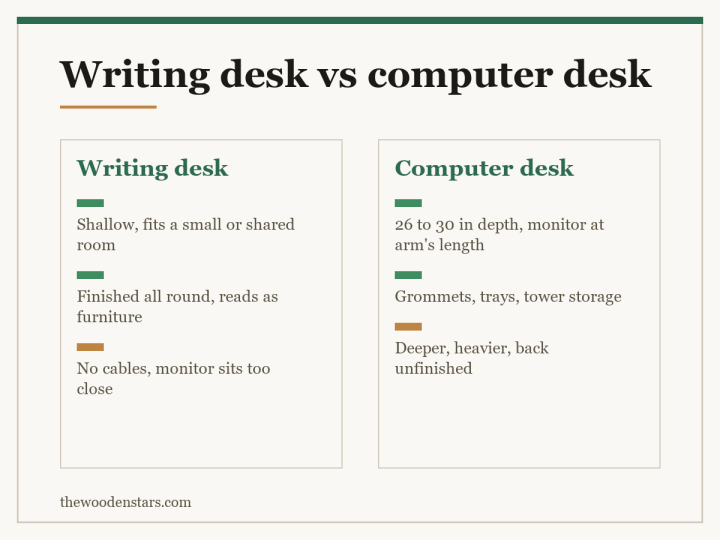
A comfortable desk is 24 to 30 inches deep — under 24 and a monitor sits too close for comfortable focus.
A hutch takes 8 to 11 inches off the back of that top, but only above the first shelf. So a 24-inch desk with a hutch still gives 24 inches of working surface at keyboard level, and about 14 inches of clear depth at monitor level once the hutch is above.
Where it bites is monitor placement. A deep monitor foot on a 24-inch desk, with a hutch at the back, leaves very little room in front of the screen. If you use a large monitor, a 30-inch desk or a monitor arm is worth the extra.
| Measure | Typical | What you want |
|---|---|---|
| Overall height | 55 to 72 in | Fits under a low ceiling or a sloped one |
| Desk height | 29 to 30 in | Paired with a seat at 17 to 19 |
| Clear height above the top | 14 to 22 in | 20 to 22 for a 27-inch monitor |
| Hutch shelf depth | 8 to 11 in | Files on end, paperbacks |
| Desk depth | 24 to 30 in | 24 minimum, 30 with a large monitor |
| Knee clearance | 24 to 26 in | Check for a drawer box or a stretcher |
The drawers
Desk drawers come in two useful kinds and one that is mostly decoration.
A file drawer
Deep enough to take suspension files standing up, which means 10 to 12 inches inside and rails front-to-back or side-to-side. This is genuinely useful if you keep paper, and it is the drawer most likely to be advertised and not actually sized for files. Check for the rails, not just the depth.
A pencil drawer
A shallow tray under the top, 2 to 3 inches. Useful, and the thing that costs you knee clearance — it hangs exactly where your thighs are.
A shallow box drawer
Four to 6 inches. Fine for stationery and cables.
Whatever the mix, measure knee clearance as desk height minus top thickness minus drawer box. You want 24 to 26 inches left, and a pedestal of drawers on one side also decides which way you can turn your chair.
How the hutch attaches
Three arrangements, and only one is properly stable.
Bolted to the desk through the top or a back rail. The assembly behaves as one piece and the shelves can be loaded without watching it move.
Located by pins so it cannot slide, but not held down. Acceptable if the whole thing is also anchored to the wall.
Standing loose on the desk top. Common on flat-pack units and the reason some of them rock when you type.
Either way, anchor the hutch to the wall. It is a shelving unit at head height above where somebody sits, and the argument is the same as in anti-tip kits for dressers.
Cables, which a hutch makes harder
A hutch sits against the back edge of the desk, which is exactly where cables want to drop. Plan for it rather than discovering it.
- A grommet through the desk top in front of the hutch, rather than routing everything over the back — sizes in desk grommets.
- A power strip fixed underneath, so only one cable runs to the wall.
- A gap behind the hutch, or a cut-out in its back panel. Many have neither, which means the desk cannot go flat against the wall once it is wired.
What it is made of
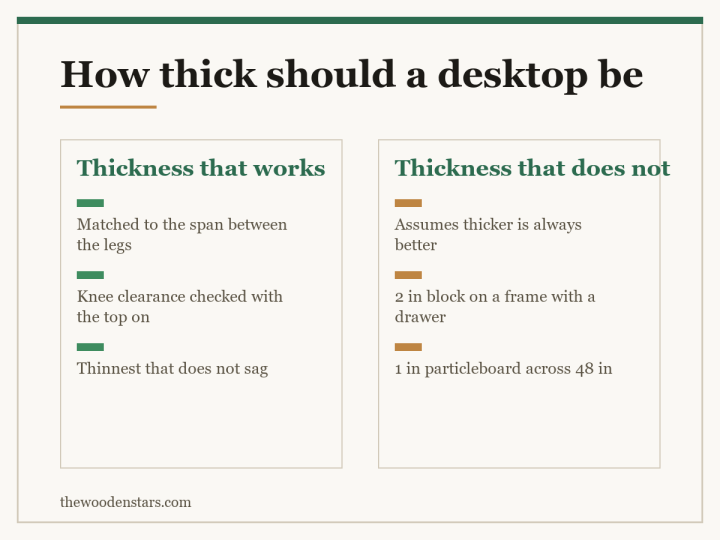
The hutch shelves take books and files, which is real weight on a cantilever, and the desk top takes forearms and a monitor foot dragged into position.
Solid timber or plywood holds shelf pins and resists creep under a constant load. Particleboard creeps — a loaded 30-inch shelf bows slowly and permanently, which is the same mechanism described in how to fix a sagging bookshelf.
Material terms are in what engineered wood actually is. If you are assembling a desk from parts instead, mounting a butcher block desktop and wooden desk legs cover the solid-top route.
Setting it up
- Monitor arm Frees the desk top and lets you set screen height independent of the hutch
- Desk grommet The clean route for cables where a hutch blocks the back edge
- Under-desk power strip One cable to the wall instead of six over the back
- Shelf pins Retunes the hutch bays to what you actually keep on them
What to buy


If the desk needs to close away instead, see secretary desks for small spaces. For a height-adjustable desk where drawers are harder, standing desks with drawers. In a corner, corner desks for small spaces. Wobble is diagnosed in how to fix a wobbly desk.
Questions we get asked
Will my monitor fit under the hutch?
Check the clear height above the desk top. A 24-inch monitor on its stand needs about 18 inches, a 27-inch needs 20 to 22.
How deep are hutch shelves?
Eight to 11 inches. They take paperbacks and files on end, and not much else.
Can I use a monitor arm with a hutch?
Only if the hutch leaves the rear edge of the desk free for the clamp, or there is a cut-out. Many do not.
How deep should the desk be?
Twenty-four inches minimum, 30 if you use a large monitor — the hutch takes depth out of the top at monitor level.
Does the hutch bolt to the desk?
On better units, yes. Some are only located by pins and some simply stand on the top. Anchor the whole thing to the wall regardless.
Is a file drawer really a file drawer?
Only if it has the rails for suspension files and about 10 to 12 inches inside. Plenty of drawers are advertised as file drawers and have neither.